Using Cursor to Access TAU Token Endpoints via MCP
Prerequisites
- Cursor installed.
- An API key or JWT from TAU Studio or TAU Market.
npx orbunx installed and available in your path.- The
@pinax/mcppackage requires Node 18+, as it relies on built-infetch()/Headers, which are not available in Node 17 or older. You may need to specify an exact path to an up-to-date Node version, or uninstall previous versions of Node to ensure@pinax/mcpuses the correct version.
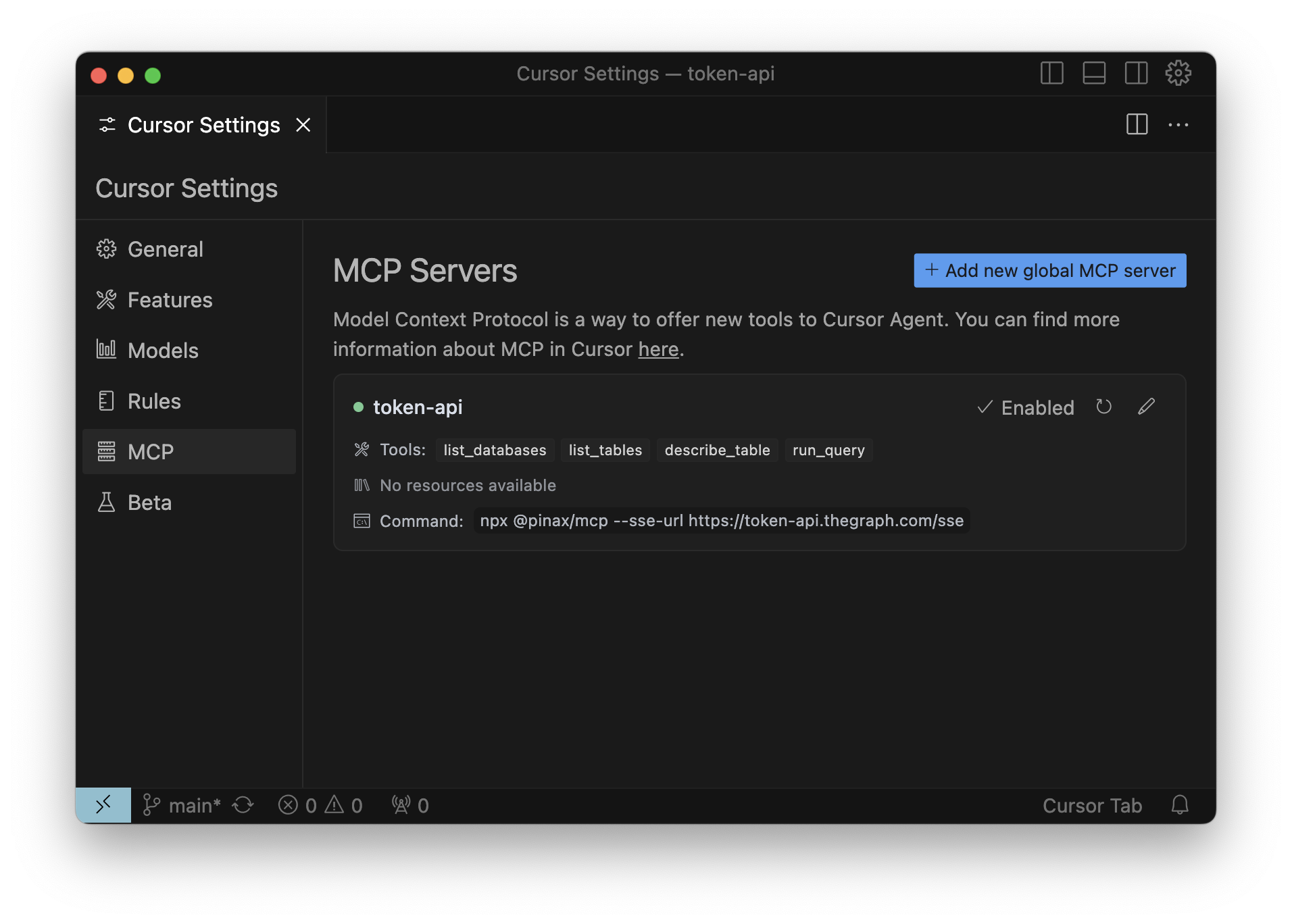
Configuration
Create or edit your ~/.cursor/mcp.json file.
Cursor Settings > MCP > Add new global MCP Server
mcp.json
{ "mcpServers": { "tau-token": { "command": "npx", "args": ["@pinax/mcp", "--sse-url", "https://token.mcp.tau.org/sse"], "env": { "ACCESS_TOKEN": "<TAU API Key or JWT>" } } }}Troubleshooting
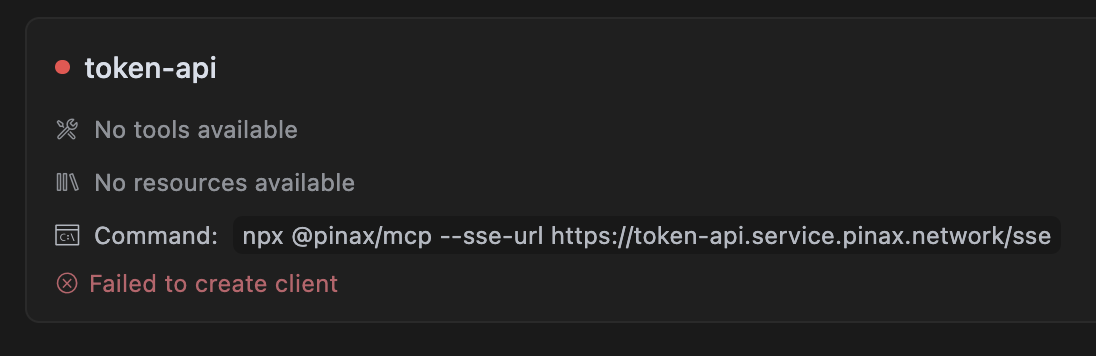
To enable logs for the MCP, use the --verbose true option.
ENOENT
Try to use the full path of the command instead:
- Run
which npxorwhich bunxto get the path of the command. - Replace
npxorbunxin the configuration file with the full path (e.g./home/user/bin/bunx).
Server disconnected
Double-check your TAU API key. Otherwise, verify that https://token.mcp.tau.org/sse is reachable from your network.